
How to Write an Effective Alert Condition

The quality of your alert condition is the single most important factor in getting accurate, relevant results. This guide provides tips and examples to help you write conditions that our AI can understand and execute effectively.
1. Be Specific and Unambiguous
Vague conditions lead to vague (and often incorrect) results. The more detail you can provide, the better the AI can narrow its search.
Vague: "Find new companies."
Better: "Find newly incorporated tech startups in California."
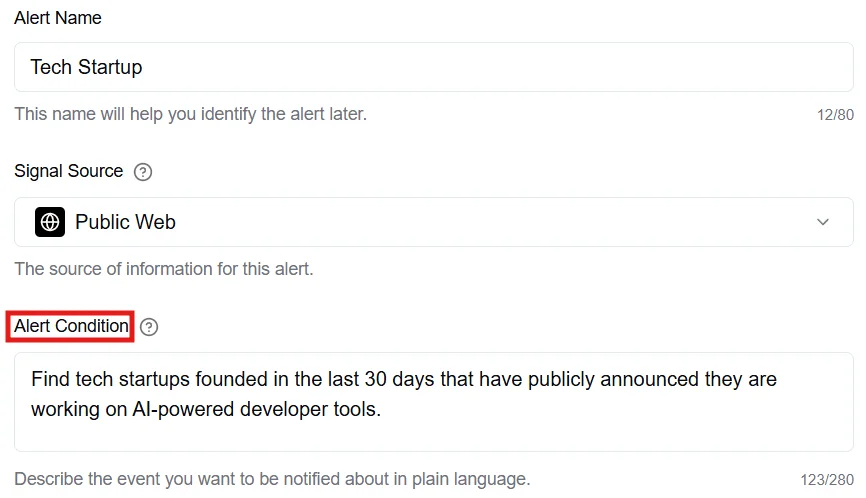
Best: "Find tech startups founded in the last 30 days that have publicly announced they are working on AI-powered developer tools."
 2. Include Key Terms and Keywords
Think like you're using a search engine. What specific words or phrases would appear in an article or announcement that contains the information you want?
Use quotes for exact phrases: If you need an exact phrase, enclose it in double quotes.
Example: "Find articles that mention "strategic partnership" between ACME Corp. and a Fortune 500 company."
Use industry jargon: Don't be afraid to use specific terminology. The AI is trained on a vast amount of web data and understands niche language.
Example: "Identify recent FDA 510(k) clearances for new medical devices in the orthopedic space."
3. Set a Clear Timeframe
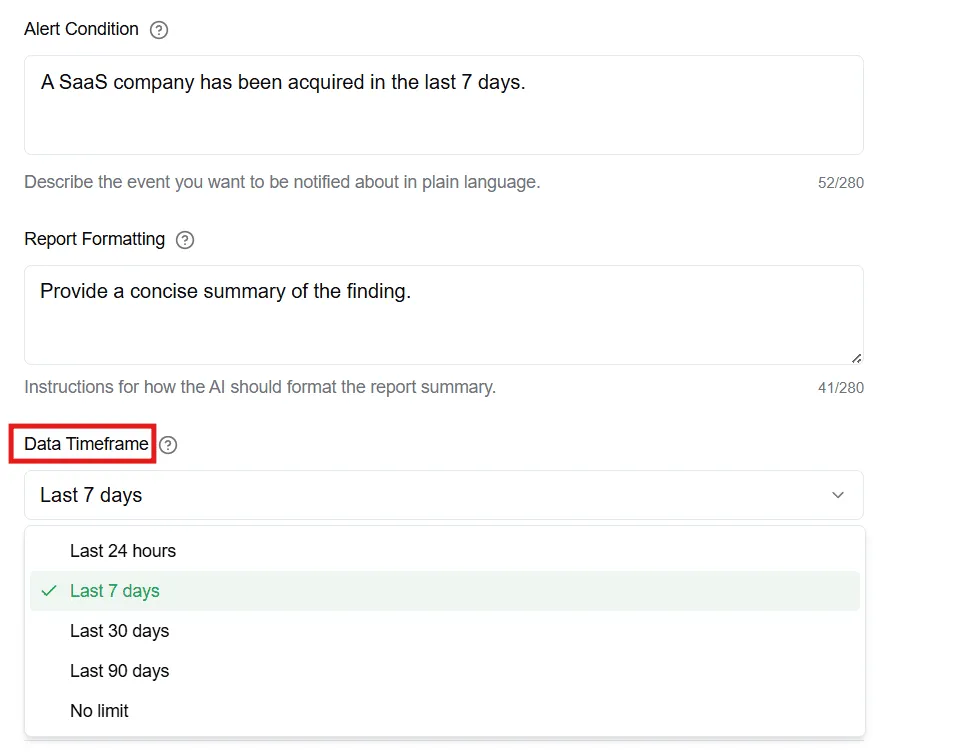
Always specify how recent the information should be. This is crucial for avoiding old, irrelevant news. You can set this in the "Search Timeframe" dropdown, but reinforcing it in the condition can also help.
Good: "A SaaS company has been acquired." (Uses timeframe dropdown)
Better: "A SaaS company has been acquired in the last 7 days." (Reinforces in the condition)
 4. Provide Context (When Using Alert Groups)
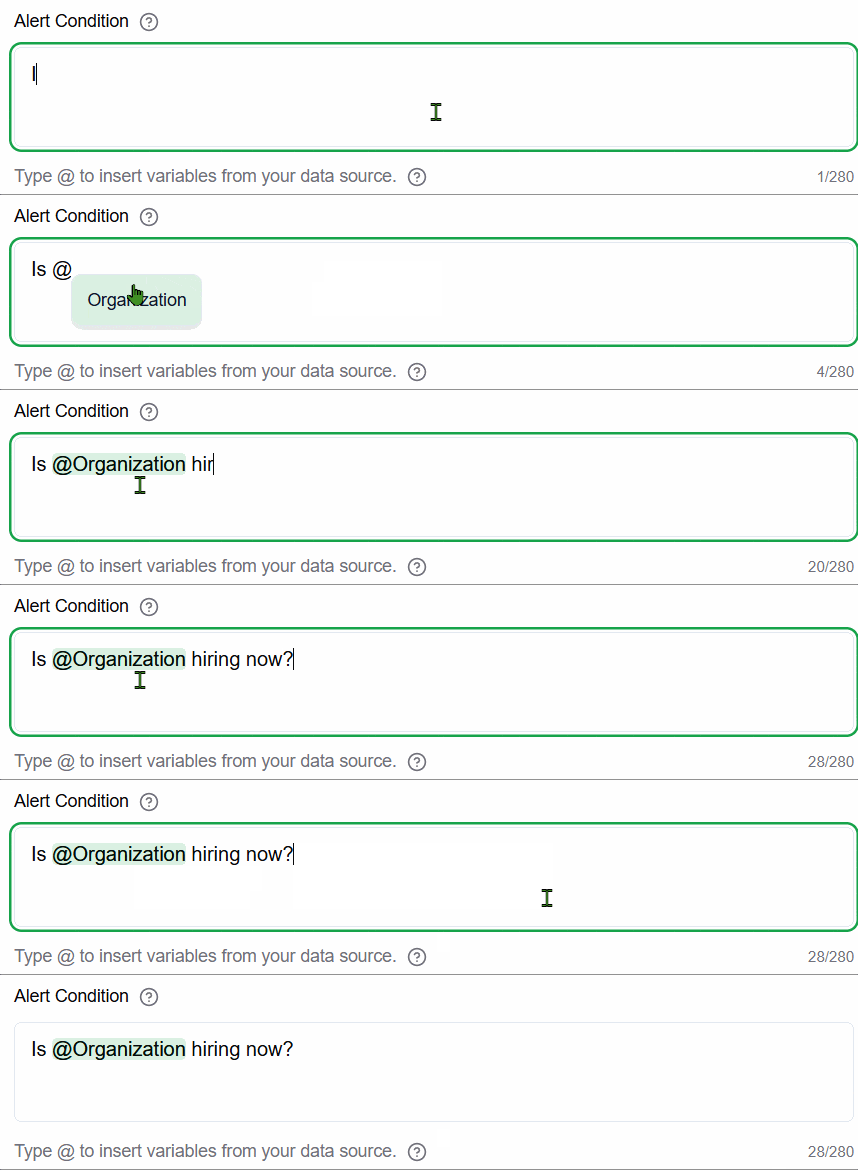
If you are creating an alert for a Pipedrive or Custom List group, use the available variables to give the AI context for each item it's searching for.
Pipedrive Example: "Has {{Organization Name}}, whose website is {{Website}}, published any new case studies on their blog?"
Custom List Example: "Has the company {{Company}} ({{Website}}) announced any new executive hires on their LinkedIn page?"
 5. Start Broad, Then Refine
It's often a good strategy to start with a slightly broader condition, see what kind of results you get, and then make it more specific. It's easier to narrow down a search that's too broad than to figure out why a search that's too narrow isn't finding anything.
Note: The AI uses its judgment to interpret your condition. The more you "think" like you're instructing a human research assistant, the better your results will be.