
How to Automate Pipedrive Actions

Automating actions in Pipedrive is one of the most powerful features of the AlertBrew integration. When an alert is triggered for an organization or person from your Pipedrive filter, you can instruct AlertBrew to automatically create notes and follow-up activities in your CRM, saving you valuable time.
Where to Find Action Settings
You can configure Pipedrive actions when you create or edit a Pipedrive Alert Group. The "Pipedrive Actions" section is located below the main alert condition settings.
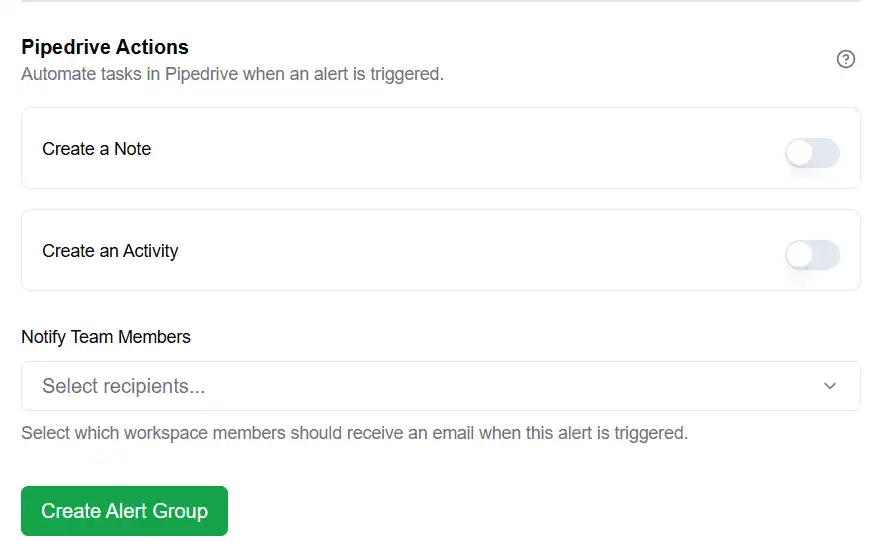 1. Automatically Create a Note
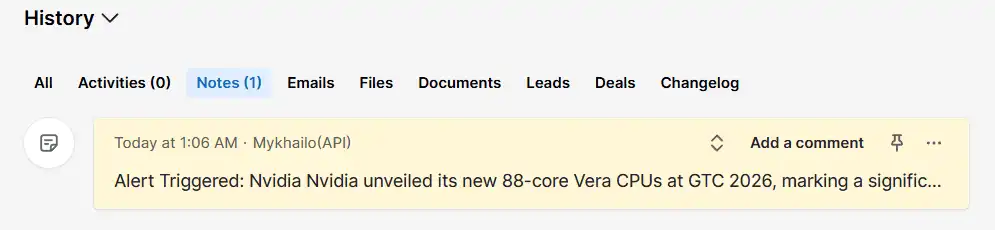
This is the most common and highly recommended action. When enabled, the full AI-generated report from a triggered alert will be automatically added as a new note to the corresponding organization or person in Pipedrive.
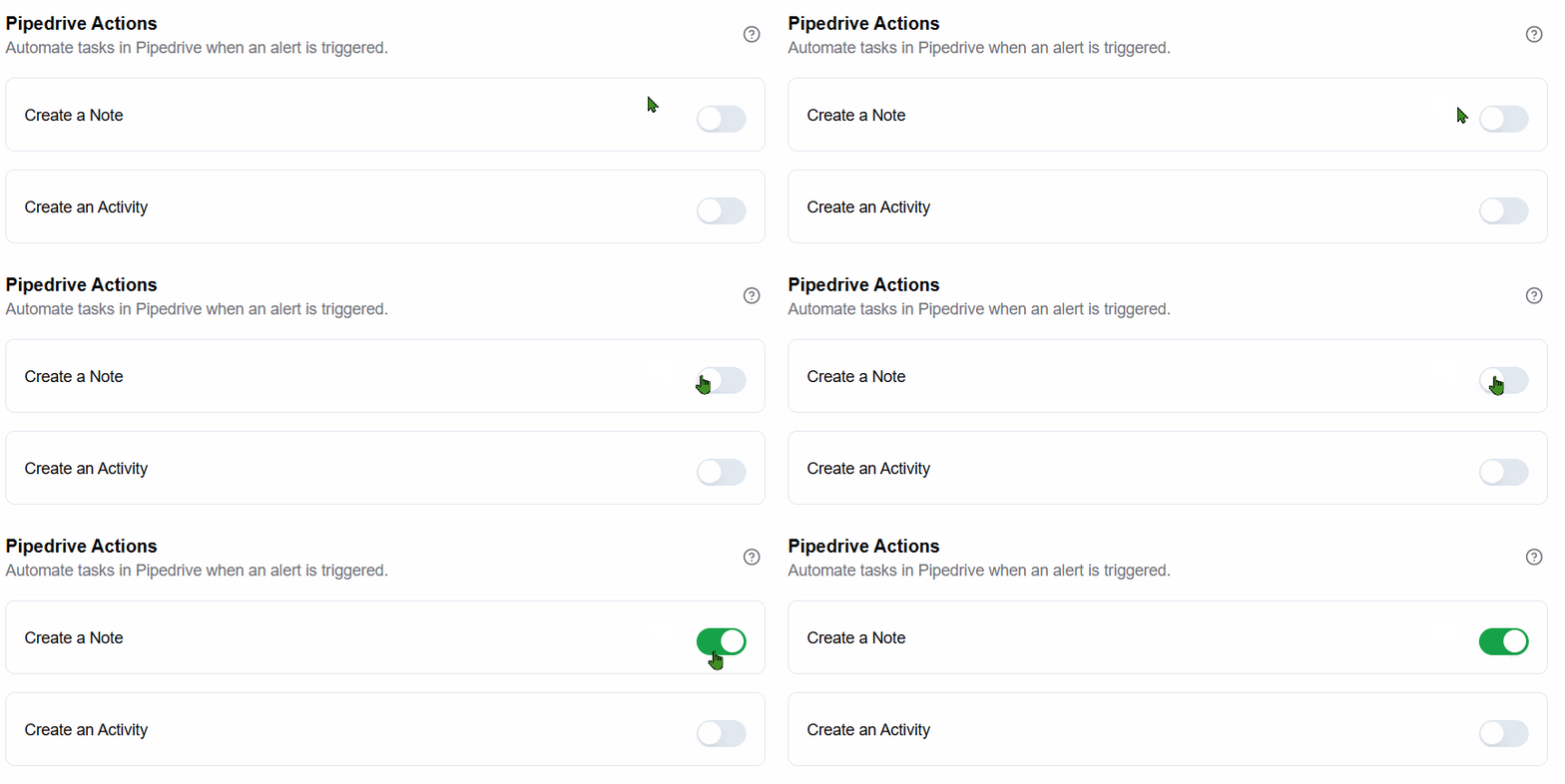
How to Enable: Simply toggle the "Create a note in Pipedrive" switch to the "on" position.
Result: Your Pipedrive timeline will be enriched with real-time intelligence, giving your sales team immediate context on why they should reach out.
 Automatically Create an Activity
This action allows you to create a follow-up task in Pipedrive, ensuring that no opportunity is missed.
Enable the Action: Toggle the "Create an activity in Pipedrive" switch to the "on" position.
Write the Activity Subject: Create a clear, actionable subject line. You can use Pipedrive variables like {{Organization Name}} by typing @ to make the subject dynamic.
Example: "Follow up with {{Organization Name}} about their new funding round."
Choose an Activity Type: Select the type of activity from the dropdown (e.g., Call, Task, Meeting). These types are pulled directly from your Pipedrive settings.
Set an Assignee: Assign the task to a specific user in your Pipedrive account. The list will be populated with all available Pipedrive users.
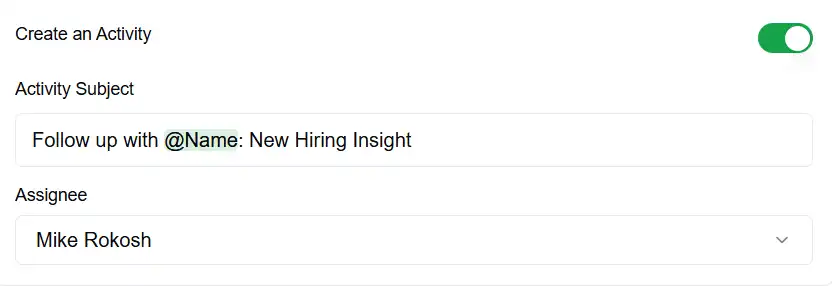
Result: When an alert is triggered, a new activity will be created and assigned in Pipedrive, with the full AI report included in the activity's note section.
Note: By combining these two actions, you can create a seamless workflow where your sales team is not only notified of a key signal but is also given an immediate, actionable task to follow up on, with all the necessary context right there in their CRM.