
Core Concepts: Alerts, Spaces, and Workspaces

Understanding how AlertBrew is organized is key to keeping your monitoring efficient and collaborative. This guide breaks down the three fundamental building blocks: Workspaces, Spaces, and Alerts.
1. Workspaces
A Workspace is the highest-level 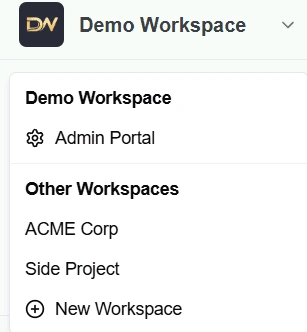 container in AlertBrew. Think of it as the main account for your entire company or a large-scale project.
What it holds: All your team members, billing information, integrations (like Pipedrive), and all your Spaces and Alerts live within a single Workspace.
Collaboration: You invite team members into a Workspace.
Multiple Workspaces: You can be a member of or create multiple Workspaces and easily switch between them.
2. Spaces
Spaces are like folders inside your Workspace. They are used to organize your alerts by team, project, client, or any other category that makes sense for you.
Public Spaces: Visible to everyone in the Workspace. Perfect for cross-team collaboration, like a shared "competitor-monitoring" space.
Private Spaces: Visible only to members you explicitly invite. Ideal for sensitive projects or team-specific monitoring.
3. Alerts
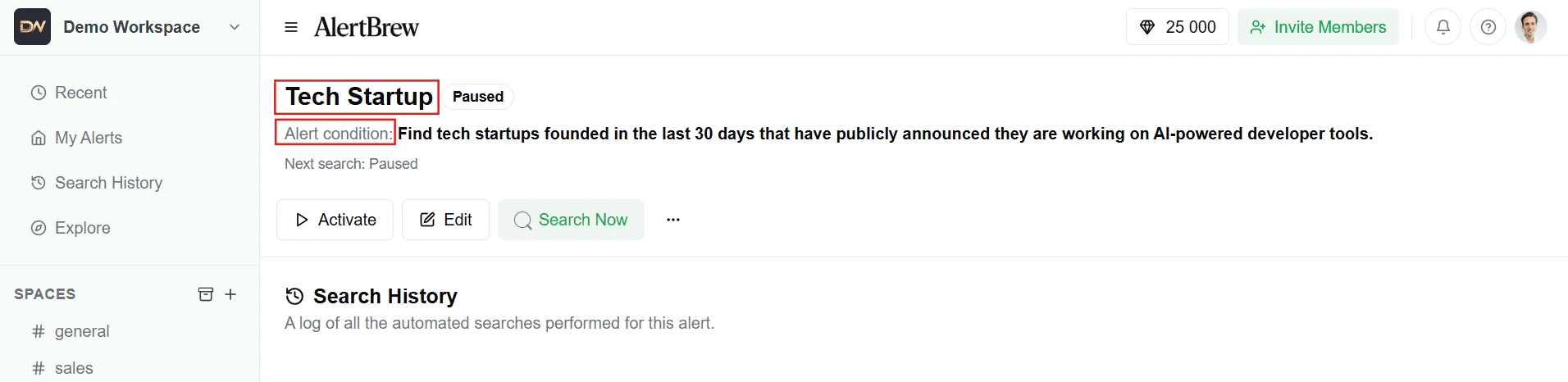
An Alert is the individual AI agent that you create to monitor the web for a specific condition. It's the core "doing" part of AlertBrew.
What it is: A single instruction, like "Find new tech startups that have announced Series A funding in the last 7 days."
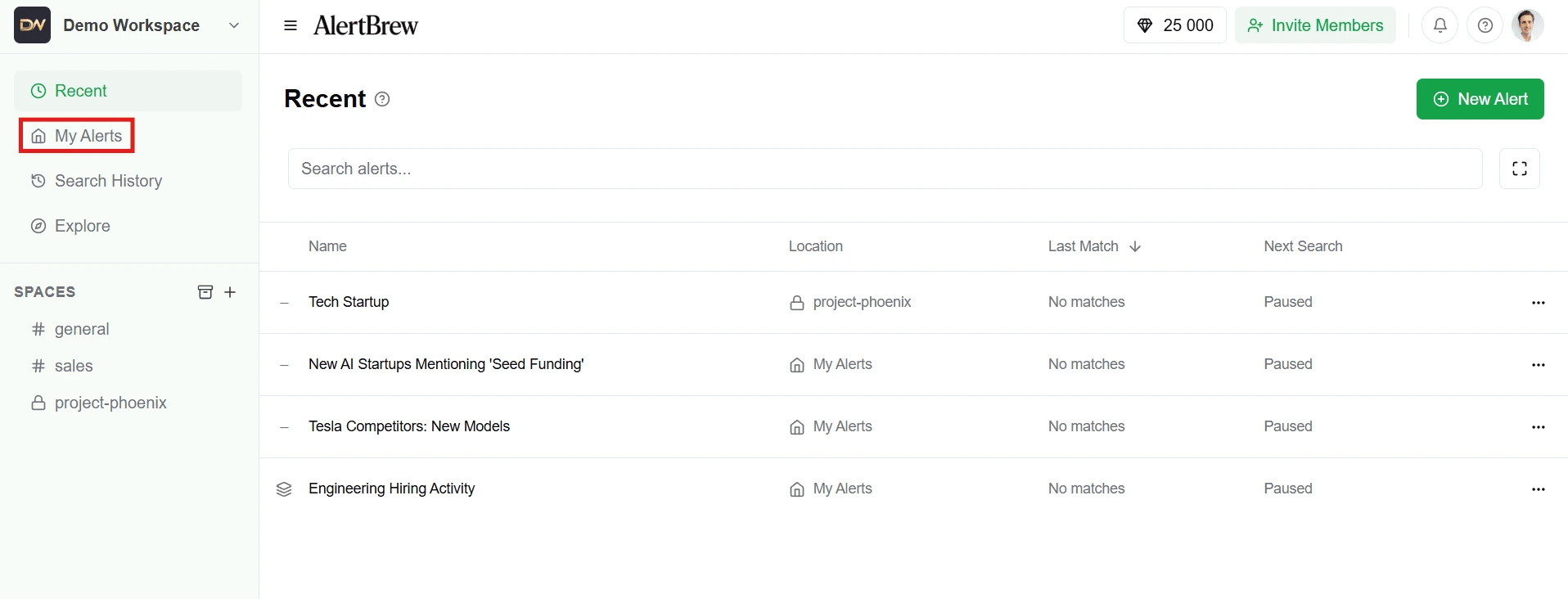
Where it lives: Every alert must be located inside a Space or in your private "My Alerts" area.
Your Private Area: My Alerts
Every workspace member has a special, private area called My Alerts.
Only Visible to You: Any alert you create here is completely private and cannot be seen by other workspace members.
Perfect For: Testing new alert ideas, personal monitoring, or anything that doesn't need to be shared with the team.
 How It All Fits Together
Workspace > Spaces > Alerts
Your Workspace is your main hub.
Inside, you create Spaces to organize different topics.
Inside each Space, you create Alerts to monitor specific conditions.
This structure helps you keep dozens or even hundreds of alerts organized, secure, and accessible to the right people.